

Minecraft

Join the servers

Join the survival world or visit the creative tower. Pick a server, copy its address, and follow the steps below.

Request a spot ›Join the Discord ›

Two worlds

The servers

Survival

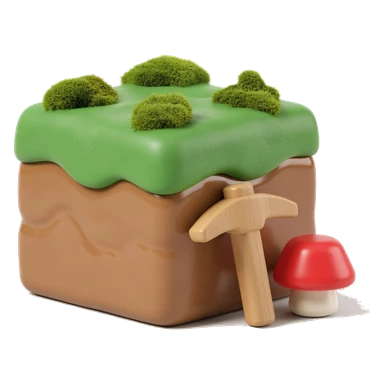
Survival world

play.crtgames.com

An ordinary survival world — mining, building, farms, and things that want to kill you once it gets dark. It is the same world every time you log in.

In the multiplayer list it shows as crtgames.com - friends only
Creative

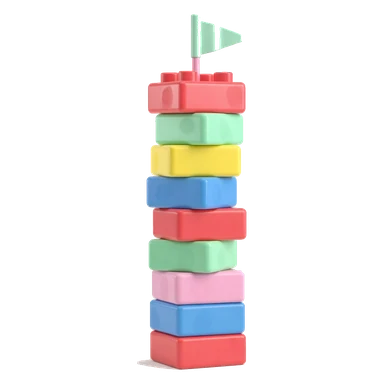
Creative tower

creative.crtgames.com

A blank void in Creative mode — every block in the game, no damage, no hunger, nothing to farm. The tower growing in it is built by TowerKeeper, a plugin, not by hand.

In the multiplayer list it shows as creative.crtgames.com

Before you connect

Getting in

  1. You need Minecraft: Java Edition — the PC, Mac and Linux one. Console, phone and the Windows Store version are Bedrock, a separate network that cannot reach these servers.
  2. Copy the address rather than typing it — a name that does not exist does not error, it just hangs.
  3. The first connection may take a little longer while the server wakes. Later connections should be faster.
  4. You also have to be on the whitelist. That is the next section.

Access

The whitelist

Your gamertag is not your Minecraft name.

They are two different things, and the server only knows the second one. Names are exact, capitalisation included. Get it wrong and you are simply told you are not whitelisted — no log explains why. Your Minecraft name is what the launcher shows next to your skin.

Gamertag ✗

MyCrtFellOnMe

Minecraft name ✓

DiamondCrt

Your Minecraft name is the one the launcher shows next to your account — copy it from there, character for character.

  • It is the Java Edition name, not an Xbox gamertag.
  • Capital letters and underscores count.
  • No spaces, no @, nothing added at the end.
Send it over

Request a spot

Type into the fields and send. It arrives in my inbox by way of a form service, which means they see it too — it is a Minecraft name and a sentence, but it is worth knowing.

If it is not working

Four things

It hangs on "Connecting"
Copy the address again. An invented name does not error — it hangs, so a typo and an offline server look identical.
"You are not whitelisted"
The name on the list and the name you are playing as are different. Usually the gamertag was sent instead of the Minecraft name.
"Outdated client"
Your launcher is set to a different version than the server. The survival server runs Minecraft 26.3 — pick that in the launcher's version list. Nothing needs downloading.
Both addresses are unavailable
The servers may be offline temporarily. Try again later or contact the person who invited you.

Community

Discord

Say hello first.

There is a Discord server for these projects and these servers. The invite drops you into the #welcome channel — say hello there and you will be let into the rest.

Join the Discord ›discord.gg/nZySJ9njdn

Server information

Version
Minecraft 26.3 (Java Edition)
Backups
Twice nightly, to two separate machines
Access
Whitelist — ask above